Stick drift
Observe analog-stick position at rest and inspect possible drift and dead-zone behavior.
 Helvorxy
GamePad Tester & Massager · Free · In-App Purchases
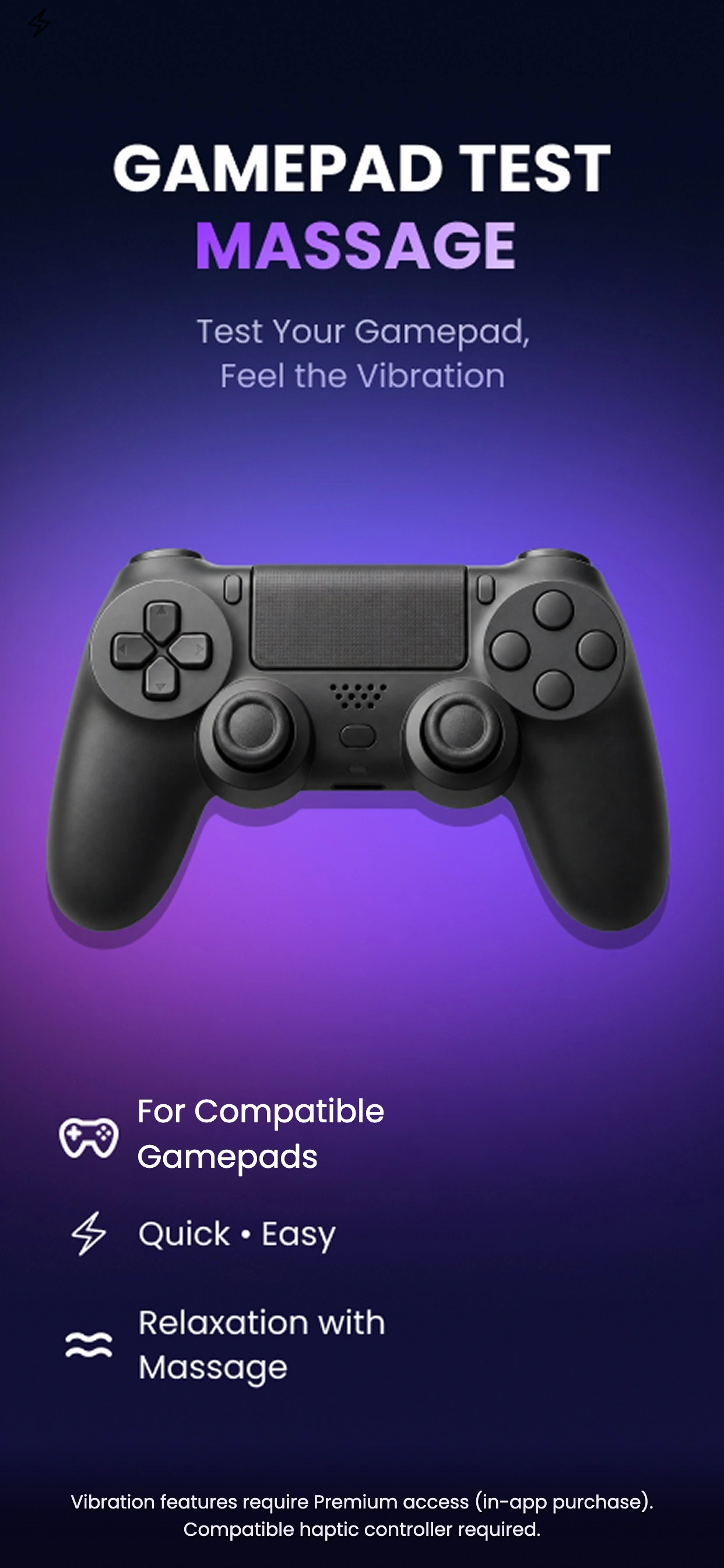
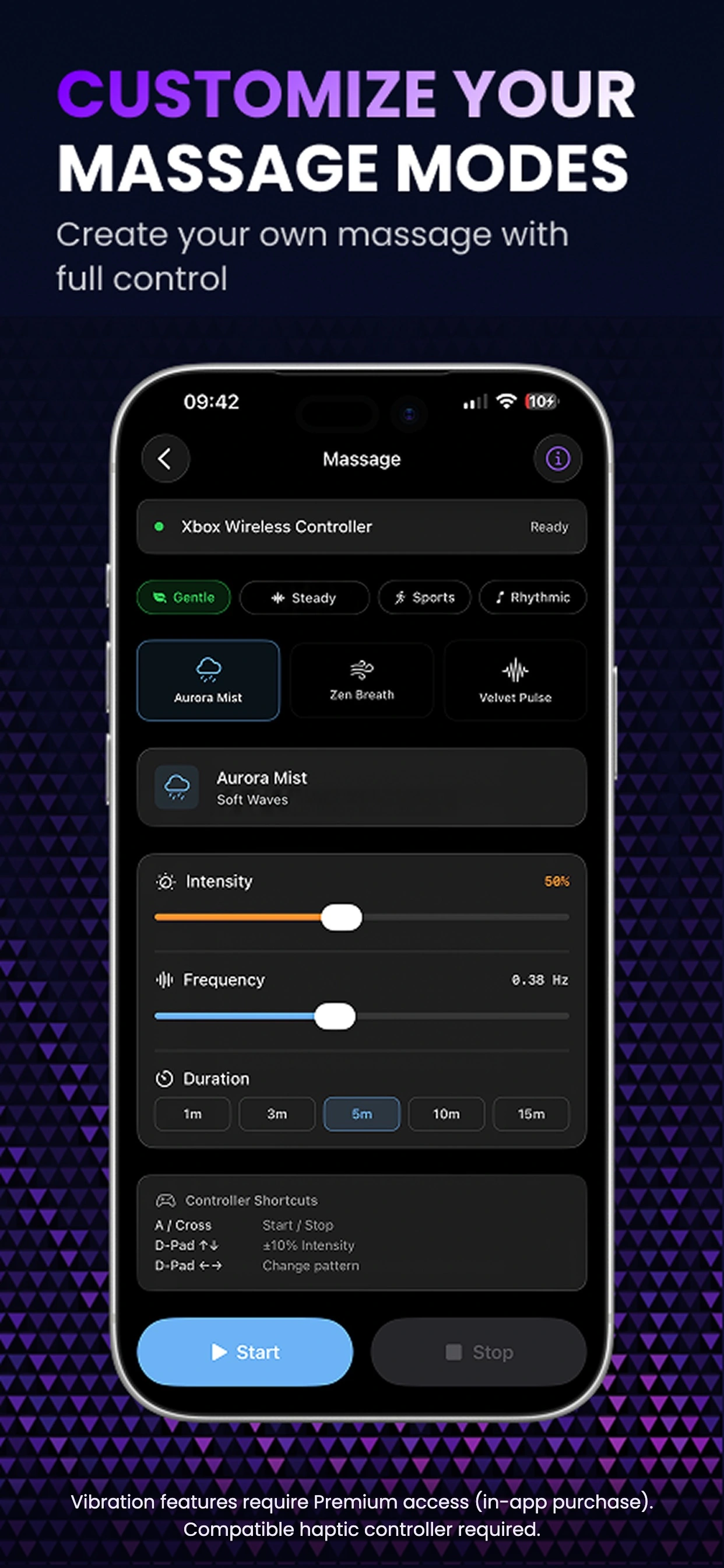
Check supported buttons, triggers and analog sticks in real time. Premium adds supported vibration testing, adjustable vibration patterns and an ad-free experience.
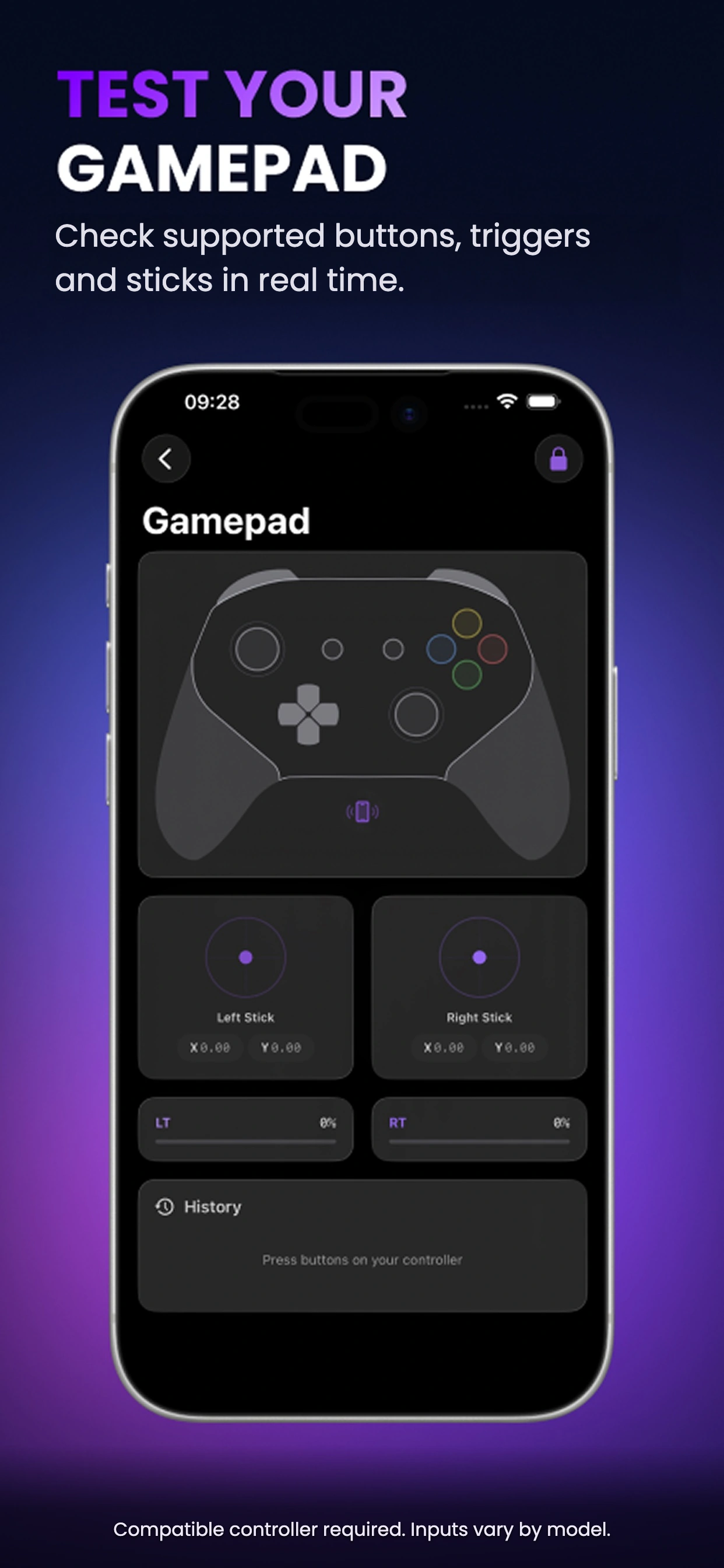
Observe analog-stick position at rest and inspect possible drift and dead-zone behavior.
View supported buttons, D-pad, bumpers and analog trigger values. Available readings vary by controller.
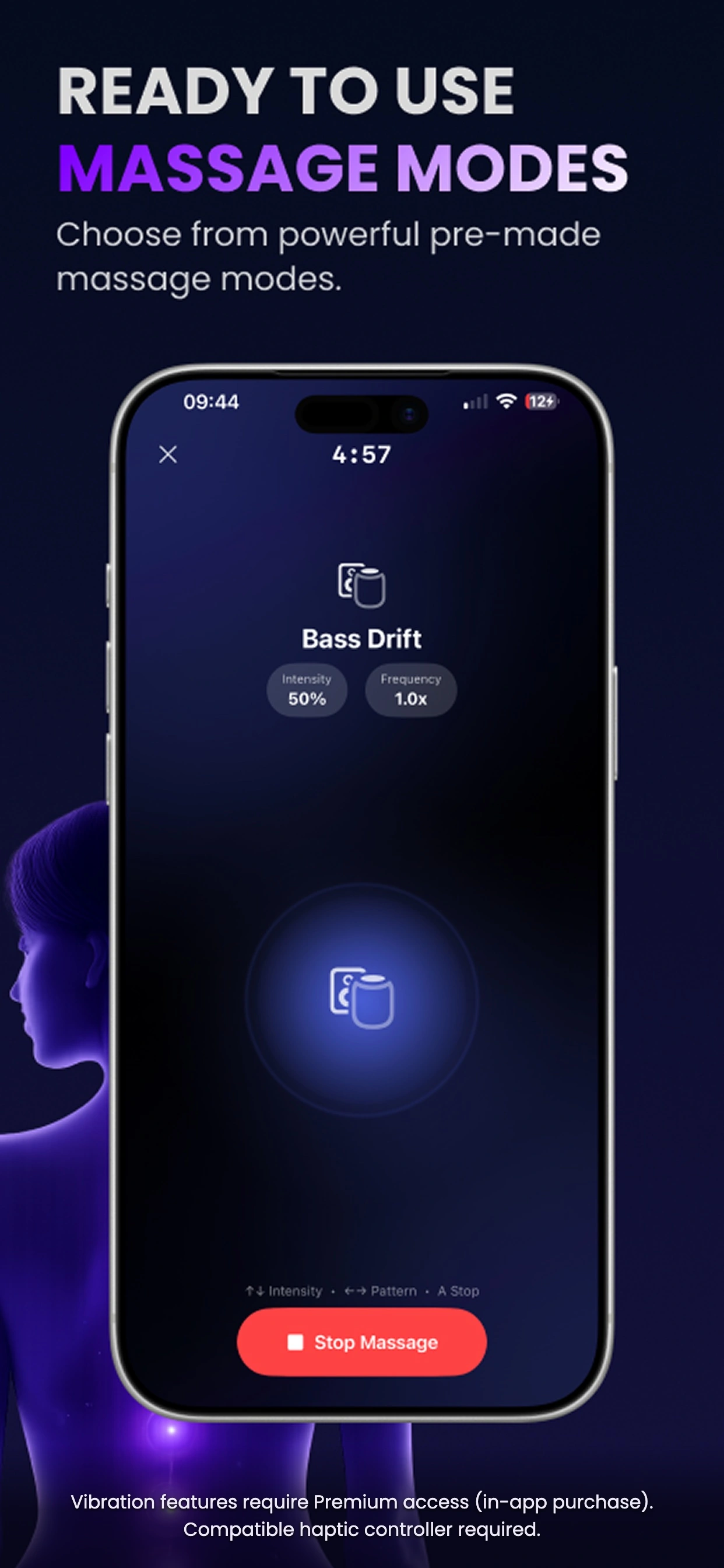
Premium unlocks supported controller vibration testing and adjustable vibration patterns.
Supports compatible Xbox, PlayStation and MFi controllers. Input and vibration support vary by model and iOS version.
It displays stick positions to help you investigate possible drift. Results depend on your controller and connection; the app does not repair or calibrate hardware.
Compatible Xbox Wireless, PlayStation and MFi controllers may be used. A controller can support input testing without supporting vibration through iOS.
Free features cover basic controller-input testing. Premium adds supported vibration testing, adjustable vibration patterns and removal of ads.