Make words memorable
Connect 679 words with clear illustrations. Explore 26 everyday categories, from food and travel to work and the world around you.
 Helvorxy
Wordexa · Free
Build vocabulary in nine languages with illustrated flashcards, spoken pronunciation and short study sections. Swipe, review and pick up right where you left off.
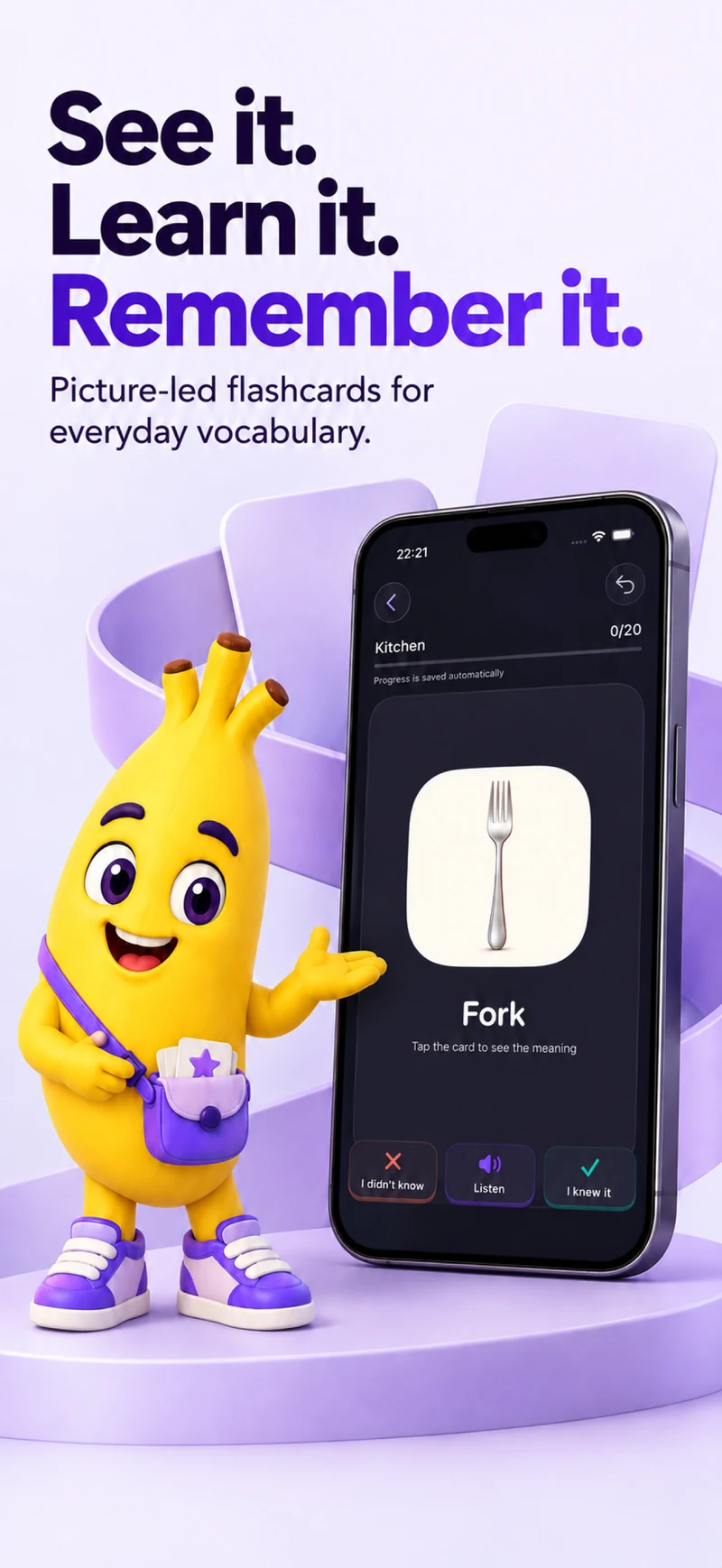


Connect 679 words with clear illustrations. Explore 26 everyday categories, from food and travel to work and the world around you.
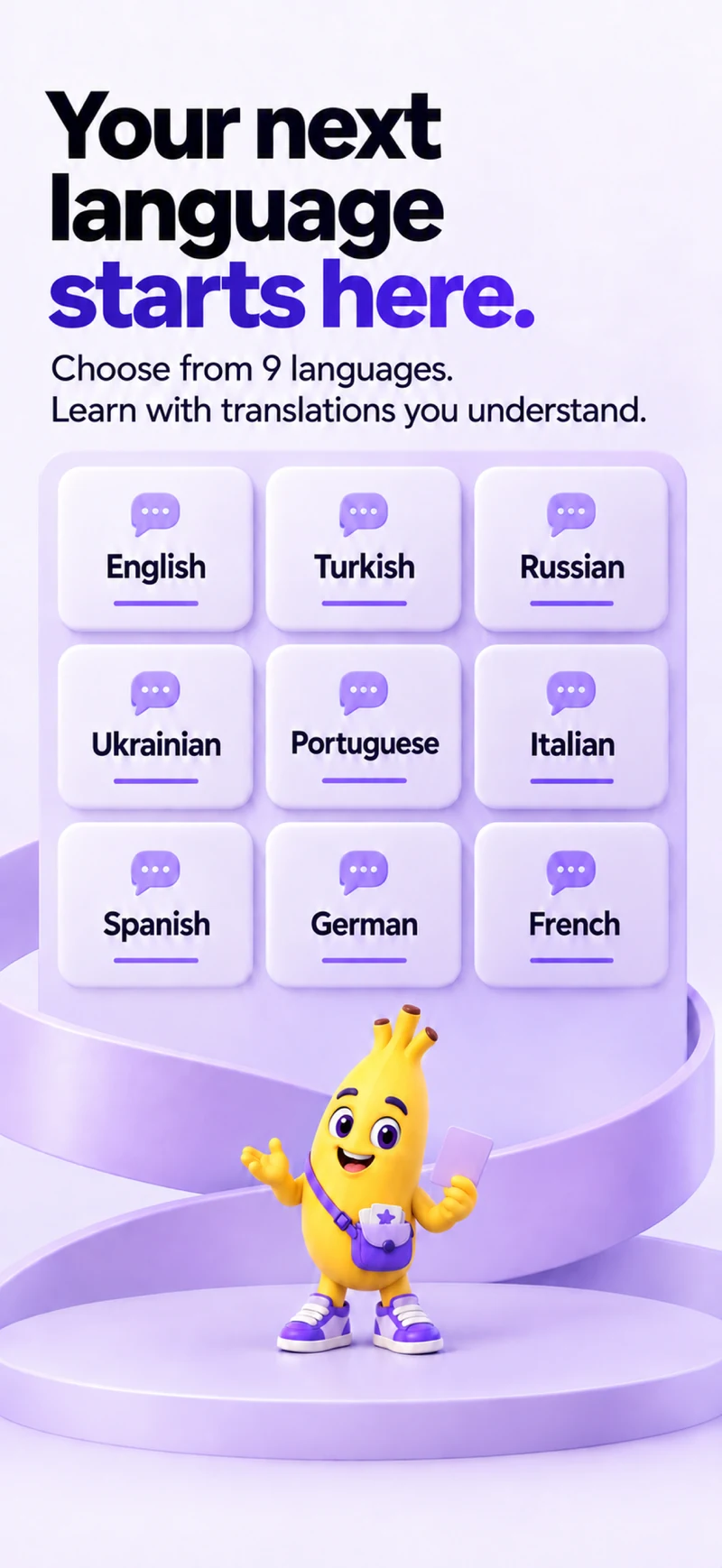
Choose the language you know and the language you want to learn. Switch between nine languages, with separate learning progress for each pair.
Hear words spoken aloud, replay the pronunciation and practise at your own pace with the voices available on your device.
Mark words as known or unknown with a swipe. Went the wrong way? Undo your latest answer and keep learning.
Answers and your place in a study session save automatically on your device. Come back later and continue without having to finish the session first.
Work through 99 short sections and track the sections you complete. Spaced repetition helps you revisit the words that still need practice.
Wordexa supports English, Turkish, Russian, Ukrainian, Portuguese from Portugal, Italian, Spanish, German and French. Choose a language you know and a different language to learn.
Practise 679 illustrated words across 26 everyday categories and 99 short sections. Reveal a translation, listen to the word and mark whether you know it.
Yes. Use Undo to reverse your latest answer and correct a swipe in the wrong direction.
No. Your answers and study position save automatically on this device. Return to the same language pair to continue where you left off. Progress is tracked by completed section.
Flashcards work offline without an account. Pronunciation uses the voices available on your device; downloading an additional voice may require an internet connection.
Spaced repetition schedules review based on your answers, helping you return to words that need more practice. Each language pair keeps its own learning record.