Renewal reminders
Set several reminders for one subscription, from an early planning alert to a final renewal notification.
 Helvorxy
Subvia Subscription Tracker · Free · In-App Purchases
Organize subscriptions, plan renewal reminders and review your spending in one place. Keep upcoming payments close with Home Screen widgets and local backups. Premium adds unlimited records, multiple accounts and optional iCloud sync.
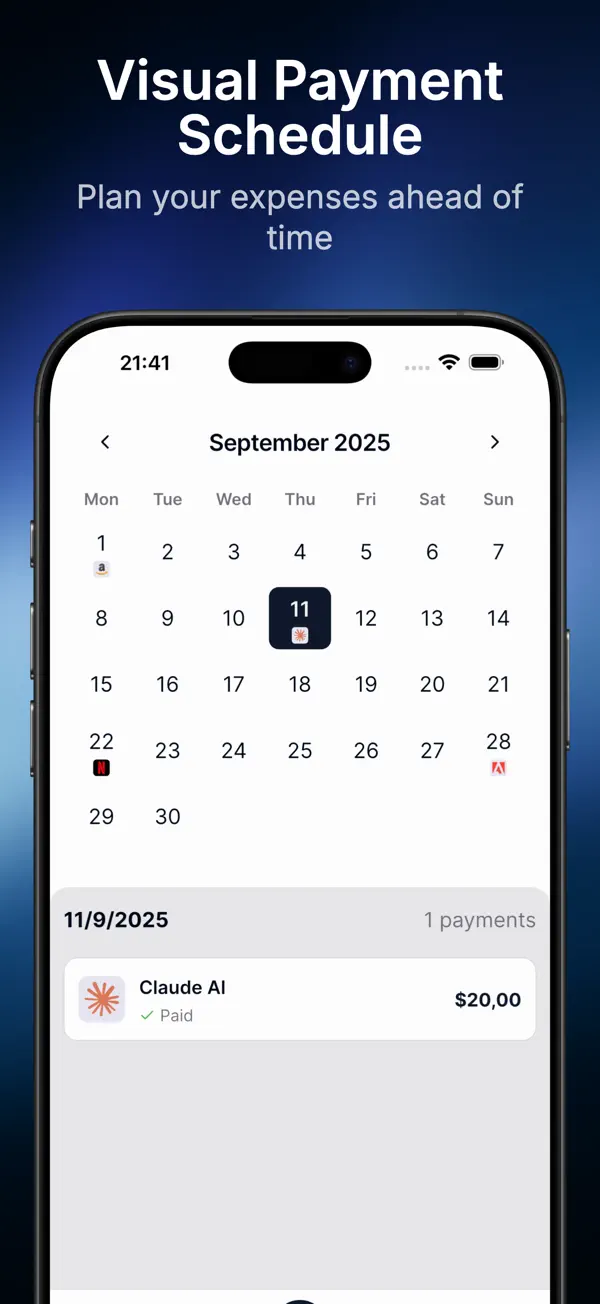
Set several reminders for one subscription, from an early planning alert to a final renewal notification.
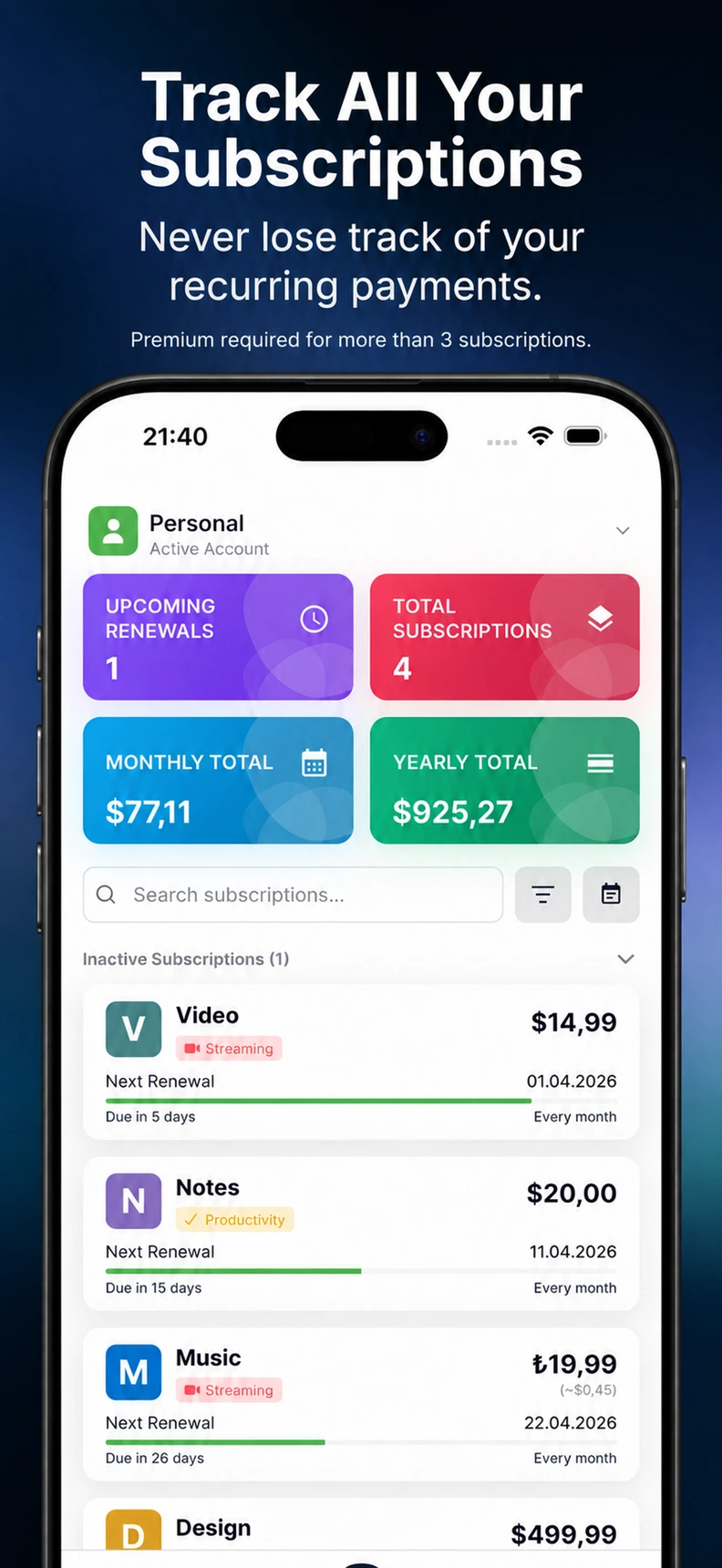
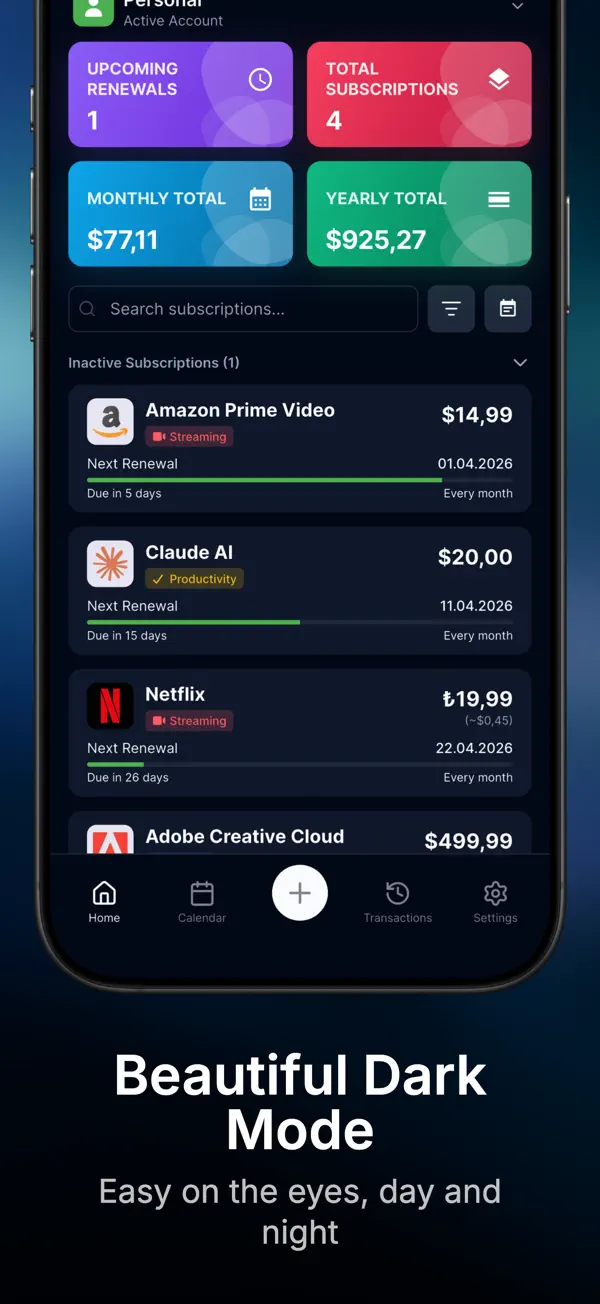
See upcoming payments, monthly totals and renewal alerts at a glance.
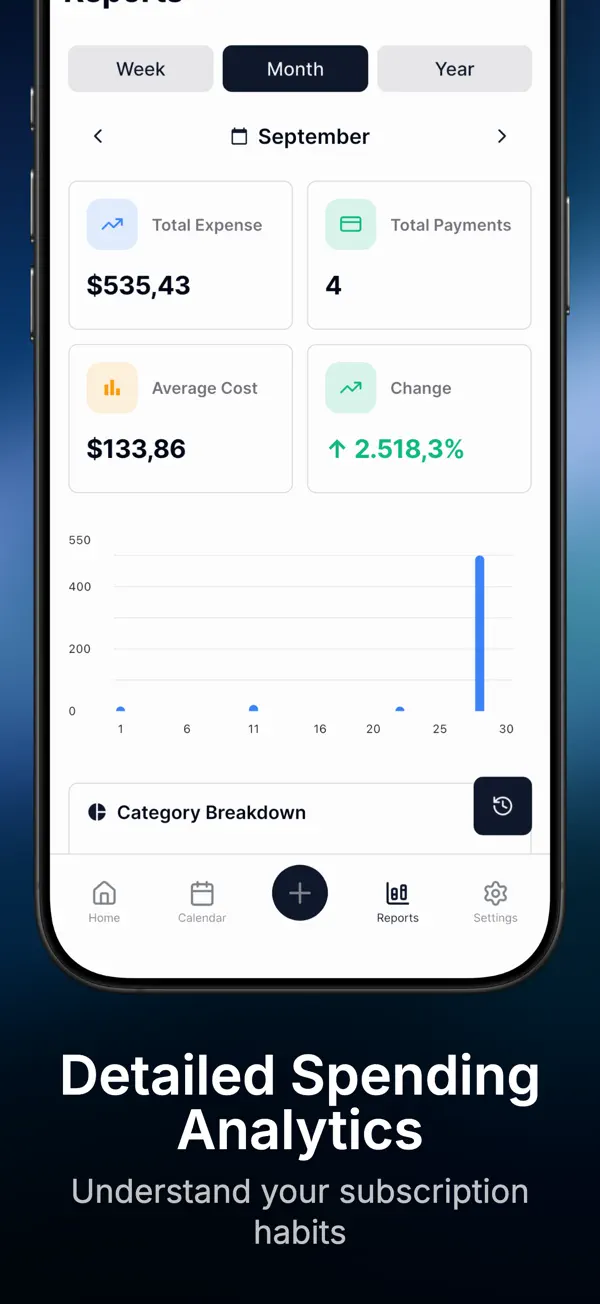
Review monthly and yearly costs by category, account and payment method.
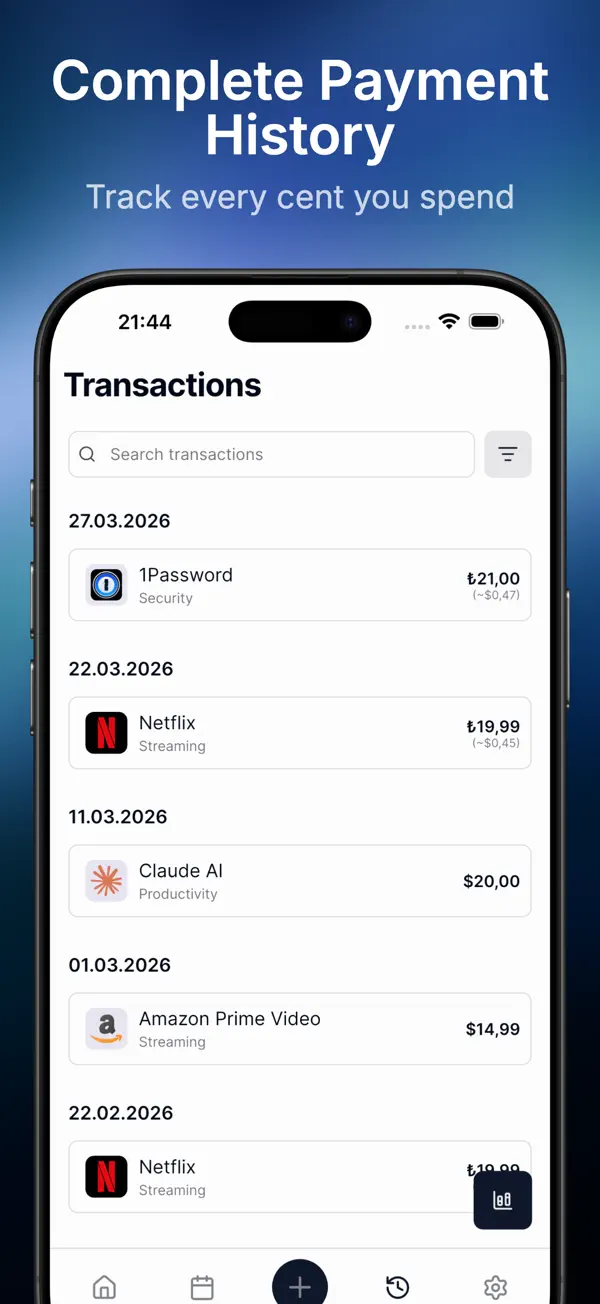
Find recorded payments with filters for service, date, category, account and currency.
Keep a local backup of your records. Premium adds optional iCloud sync across your Apple devices.
Organize custom categories, currencies and subscription records. Premium lets you manage multiple accounts.
Track up to 3 subscriptions in one account, with reminders, widgets, reports and local backups. A one-time lifetime Premium purchase unlocks unlimited subscription records, multiple accounts and optional iCloud sync. Premium does not automatically renew.
Subvia organizes the records you enter. It does not connect to your bank or make payments. Editing or cancelling a record does not cancel the actual service; complete that action with the provider.
Yes. Create multiple reminders for the same subscription, such as an early planning alert and a final renewal alert.
Track different currencies and label payment methods, with automatic and customizable currency conversion. Multiple accounts require Premium.
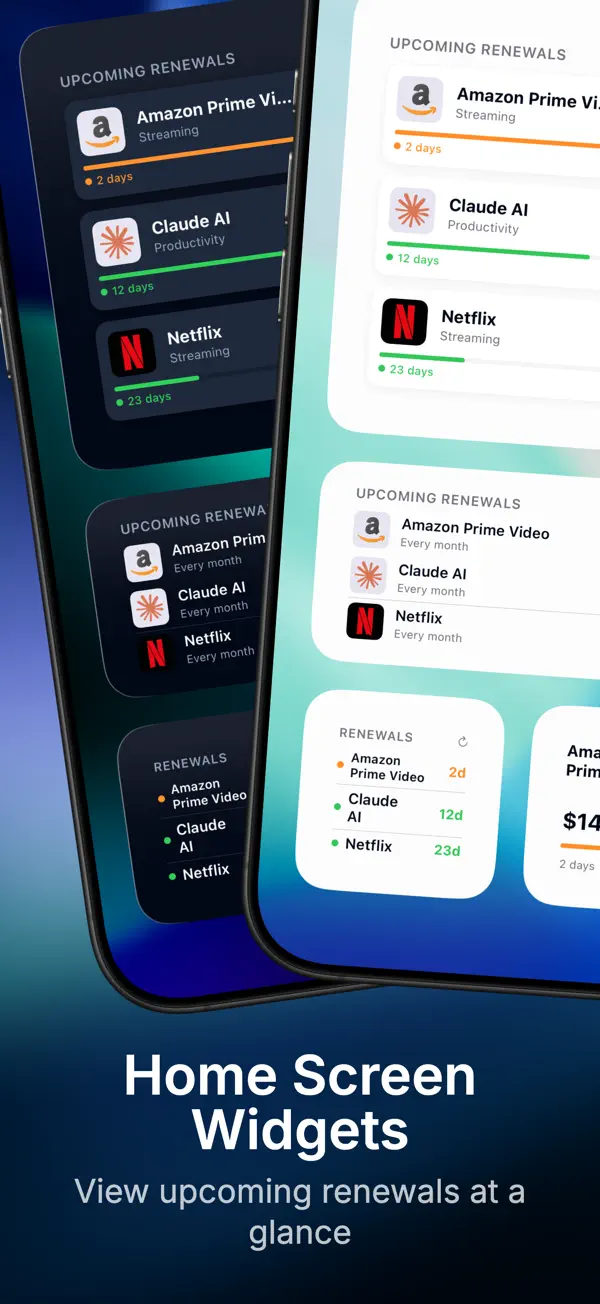
Yes. Home Screen widgets show upcoming renewals, monthly totals and important alerts.
Yes. Optional iCloud sync is included with Premium. Local backups are available without Premium.