
Smart templates
Start from structured, polished layouts designed for a wide range of roles.
 Helvorxy

Resume Maker · Free · In-app purchases
Create a standout resume from your phone with ready-made templates, fast editing tools and instant PDF export. Personalize colors, fonts and spacing, then save, print or share your finished CV.
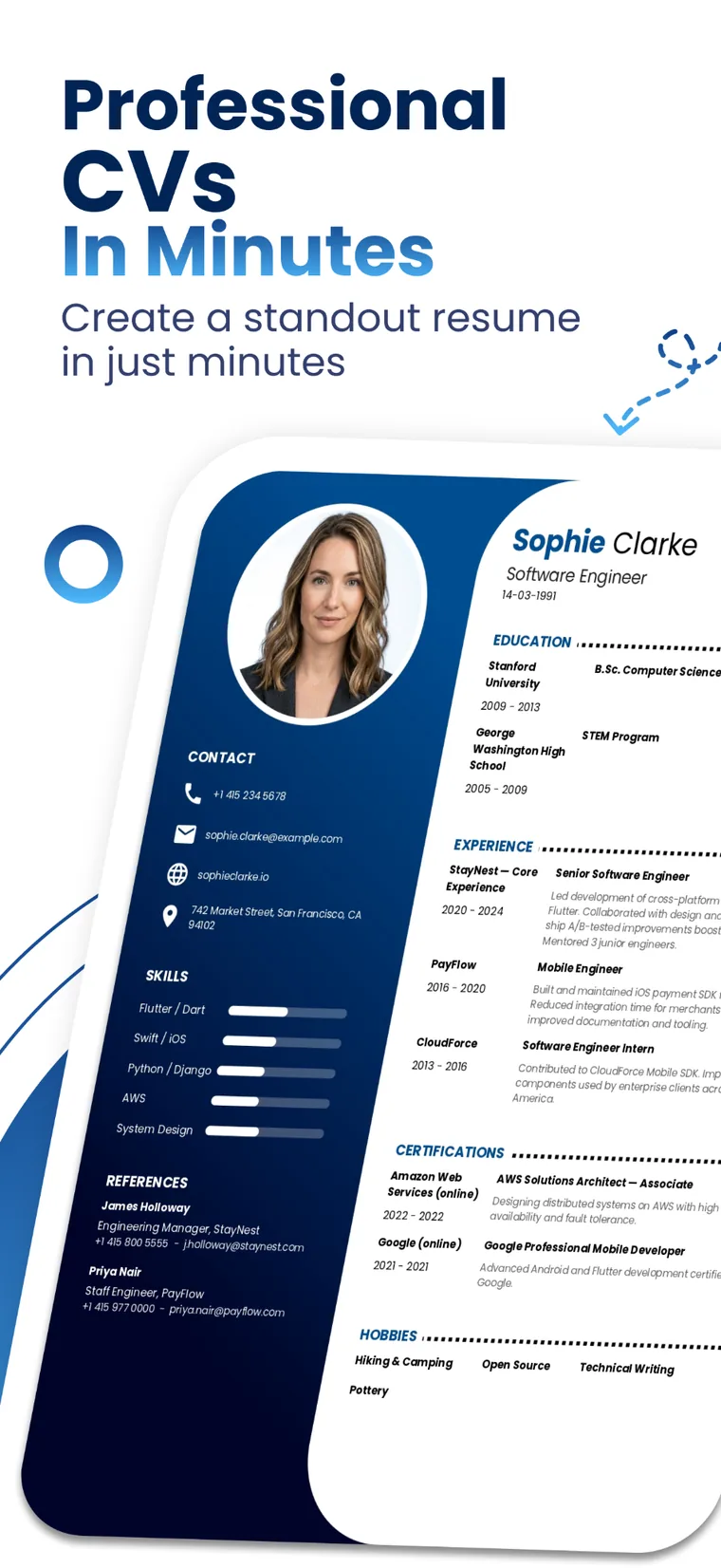
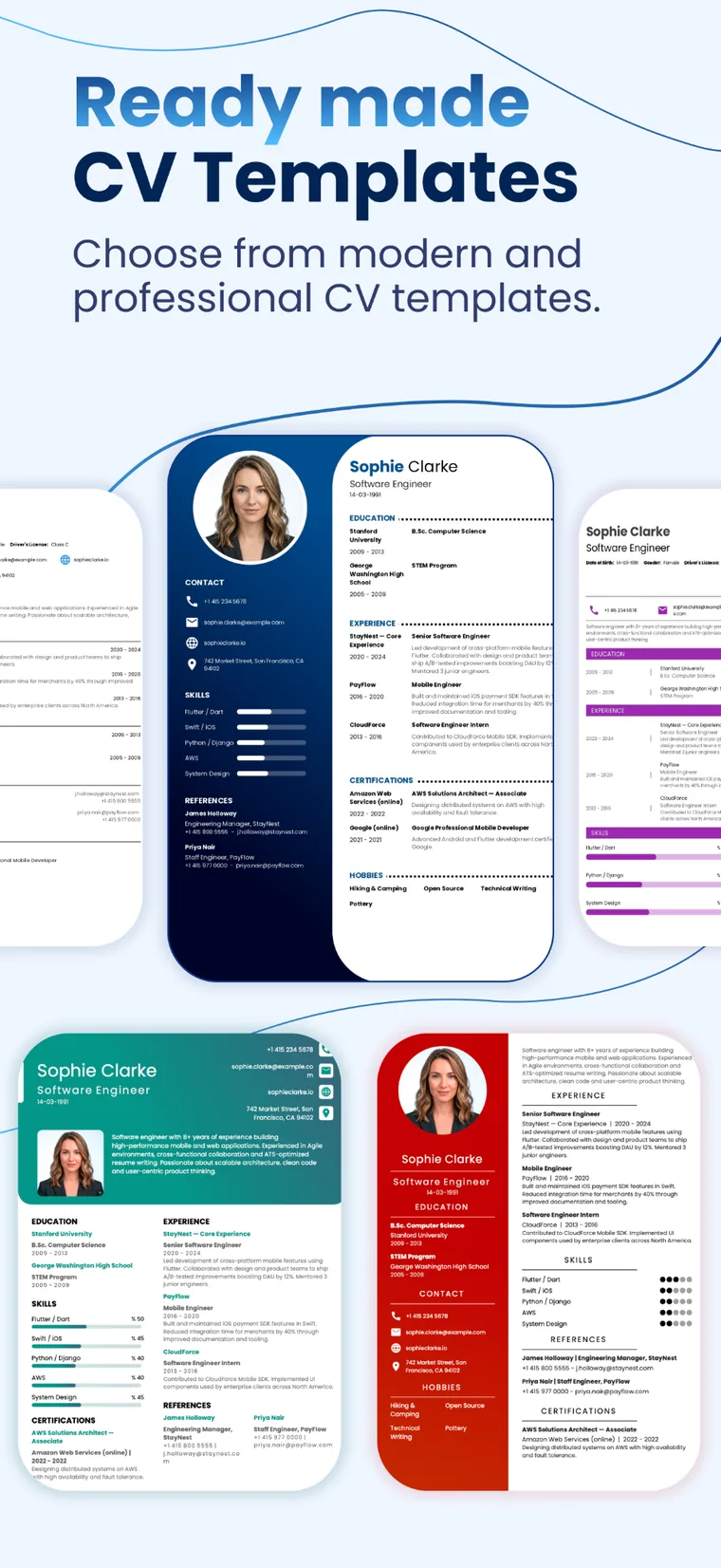
Start from structured, polished layouts designed for a wide range of roles.
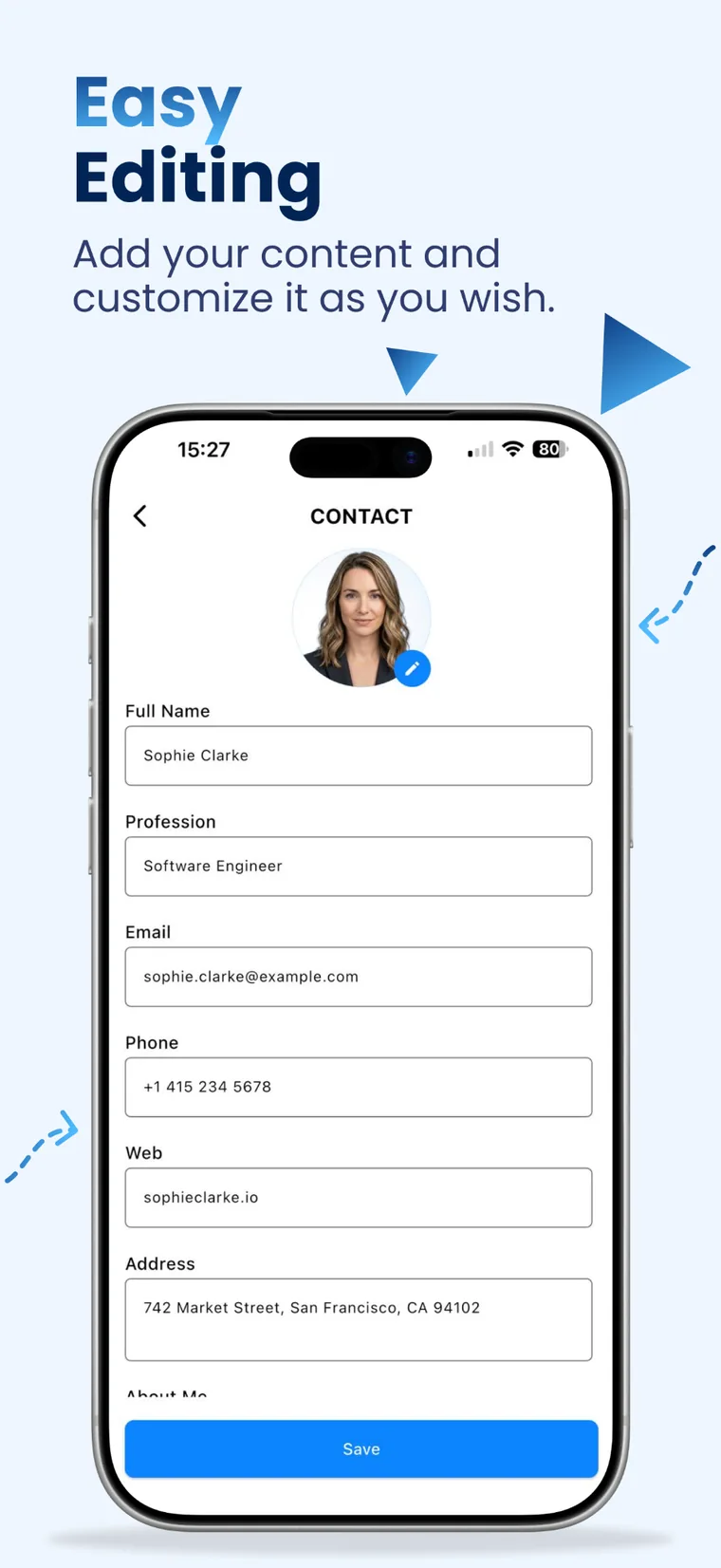
Add experience, education, skills and contact details through a clear mobile flow.
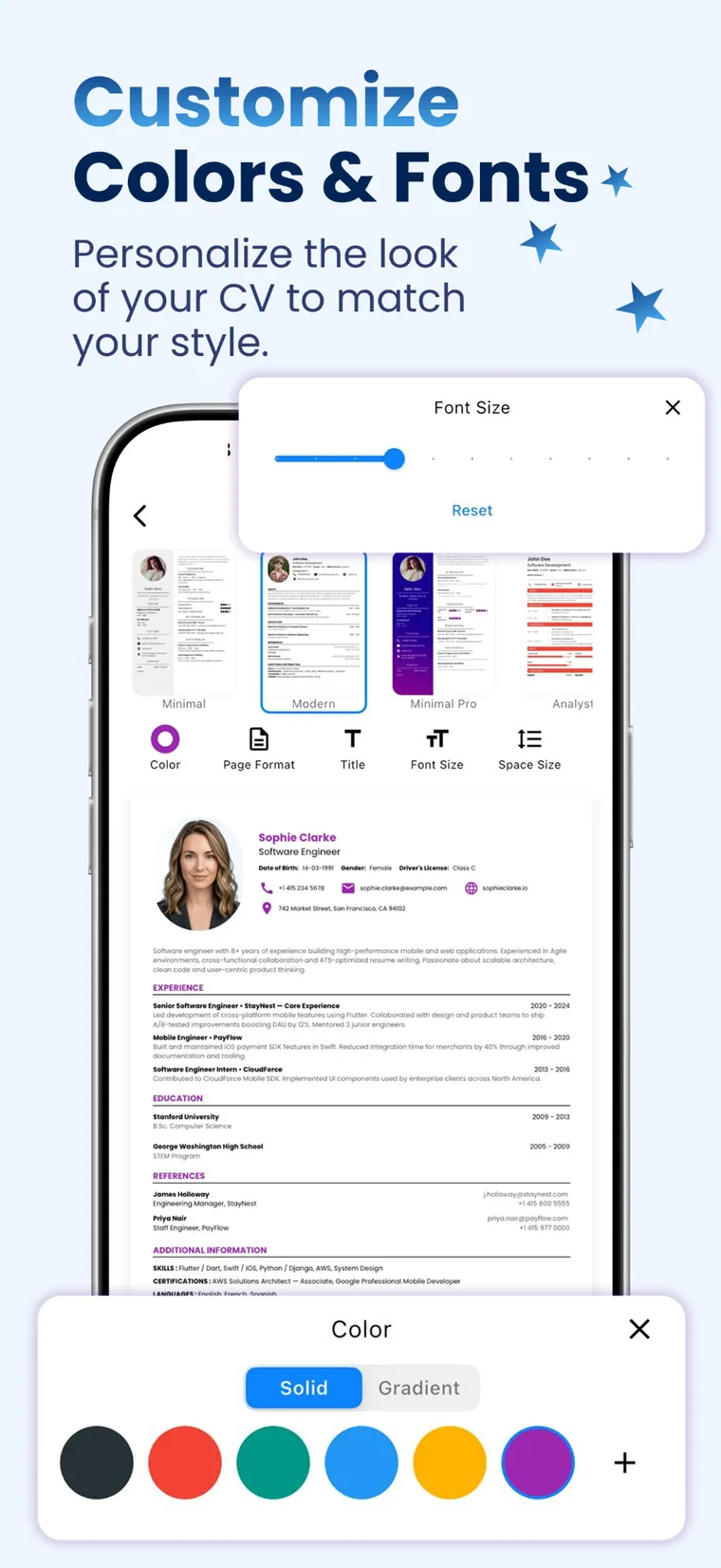
Adjust colors, titles, font sizes and spacing while keeping your CV clean and readable.
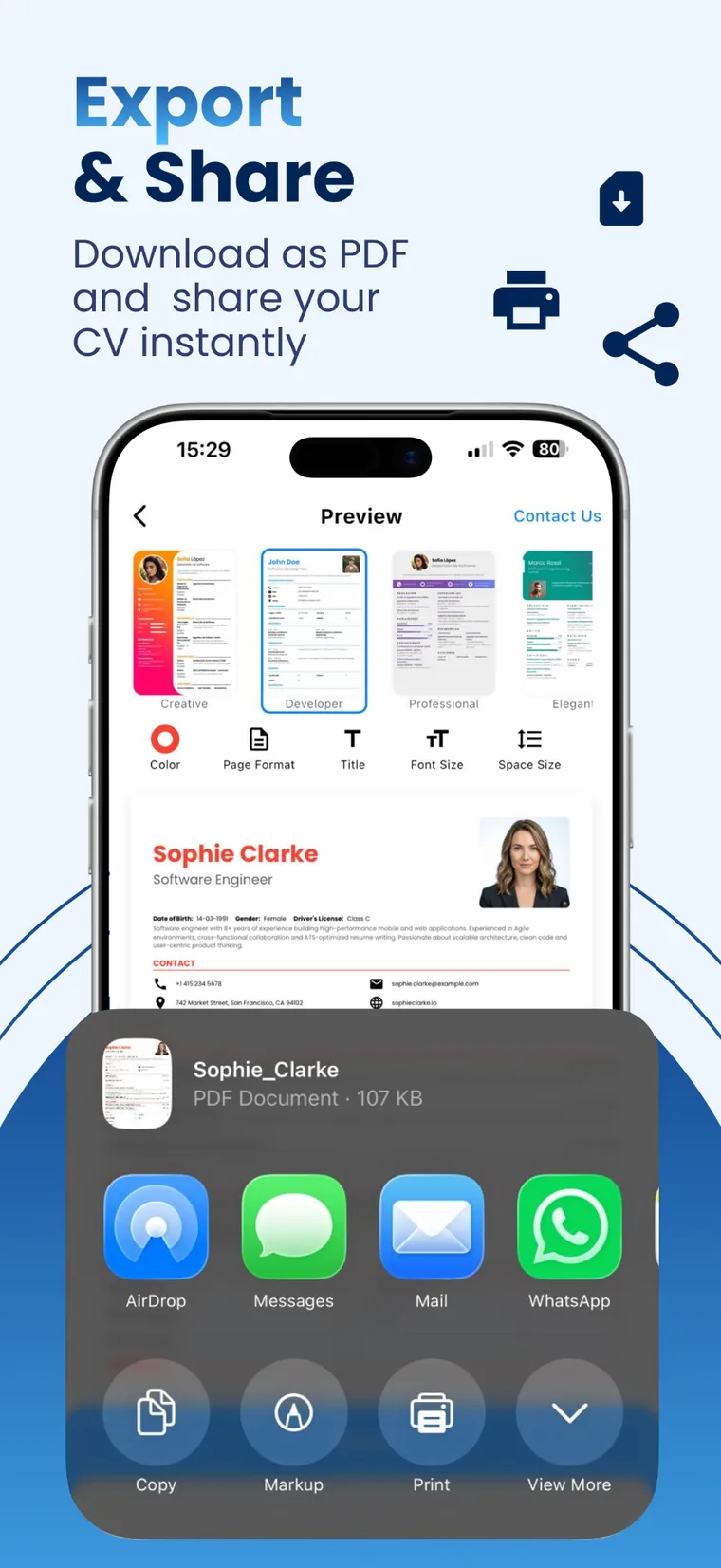
Download as PDF, print or share your completed resume directly from your device.
Yes. Choose a ready-made template, enter your content and customize the details you want to change.
Yes. Export your completed CV as a PDF to save, print or share it.
Core resume and cover-letter documents normally remain on your device. Optional AI tools and limited online services are described in the app Privacy Policy and Terms of Use below.
Resume Maker is available on the Apple App Store and Google Play. The iOS listing requires iOS 15.0 or later.